10
Mar
2015

QR Codes / How wayfinding kiosks generate QR codes for mobile directions
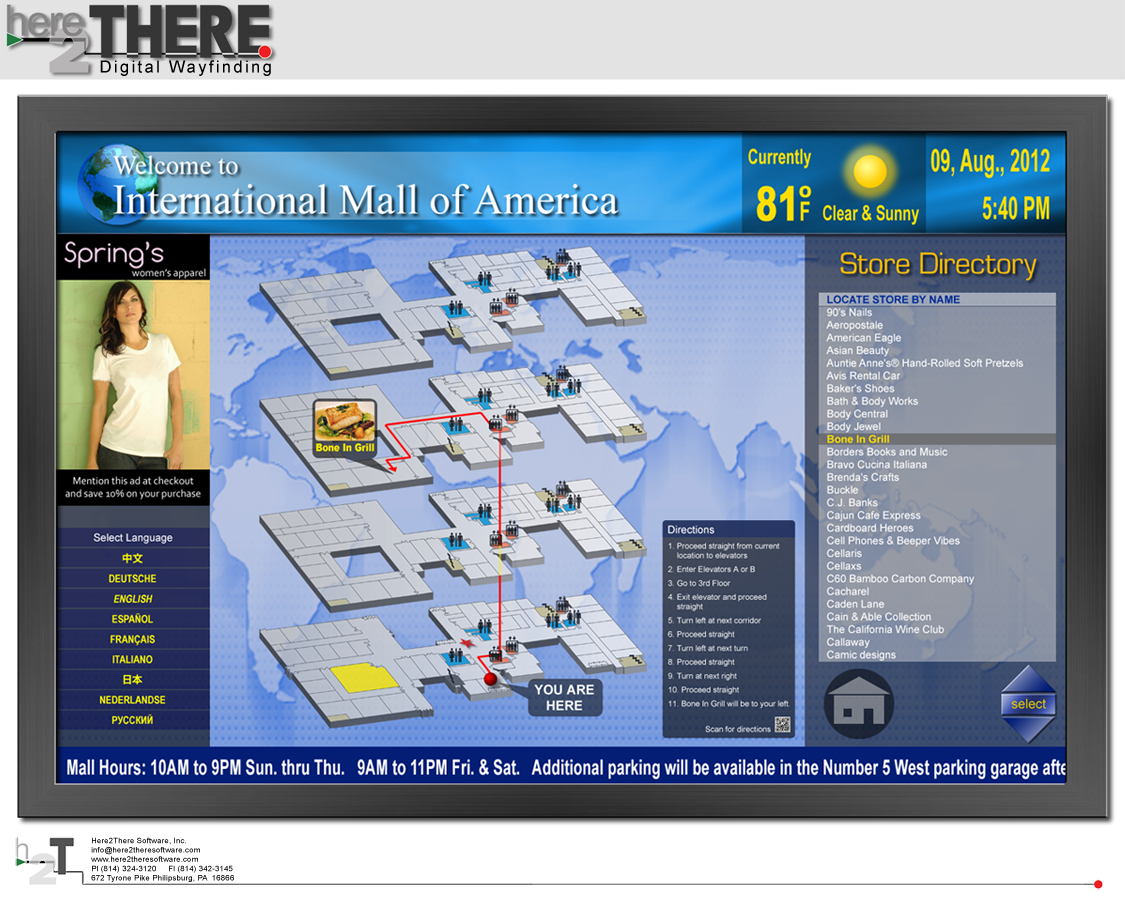
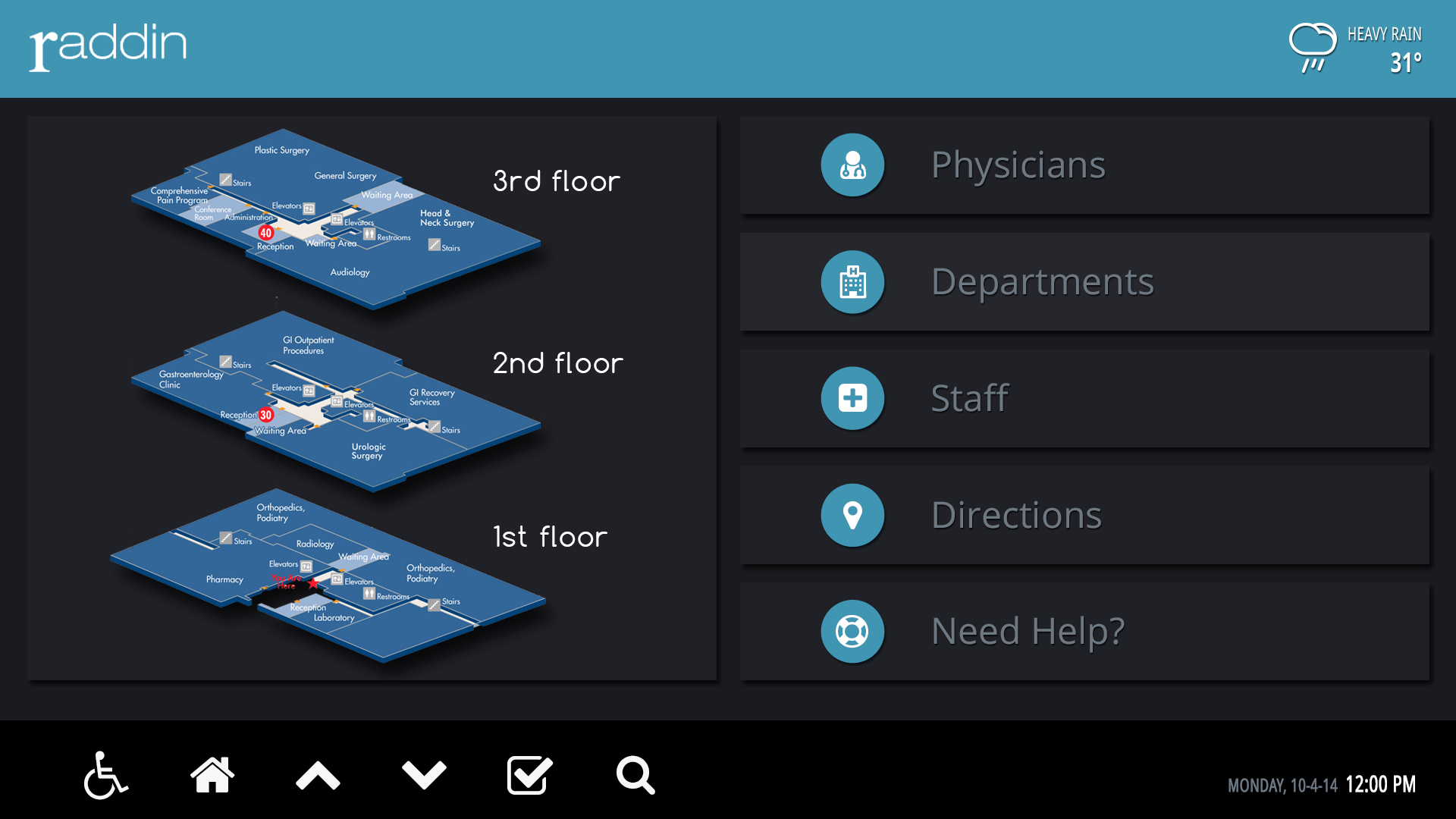
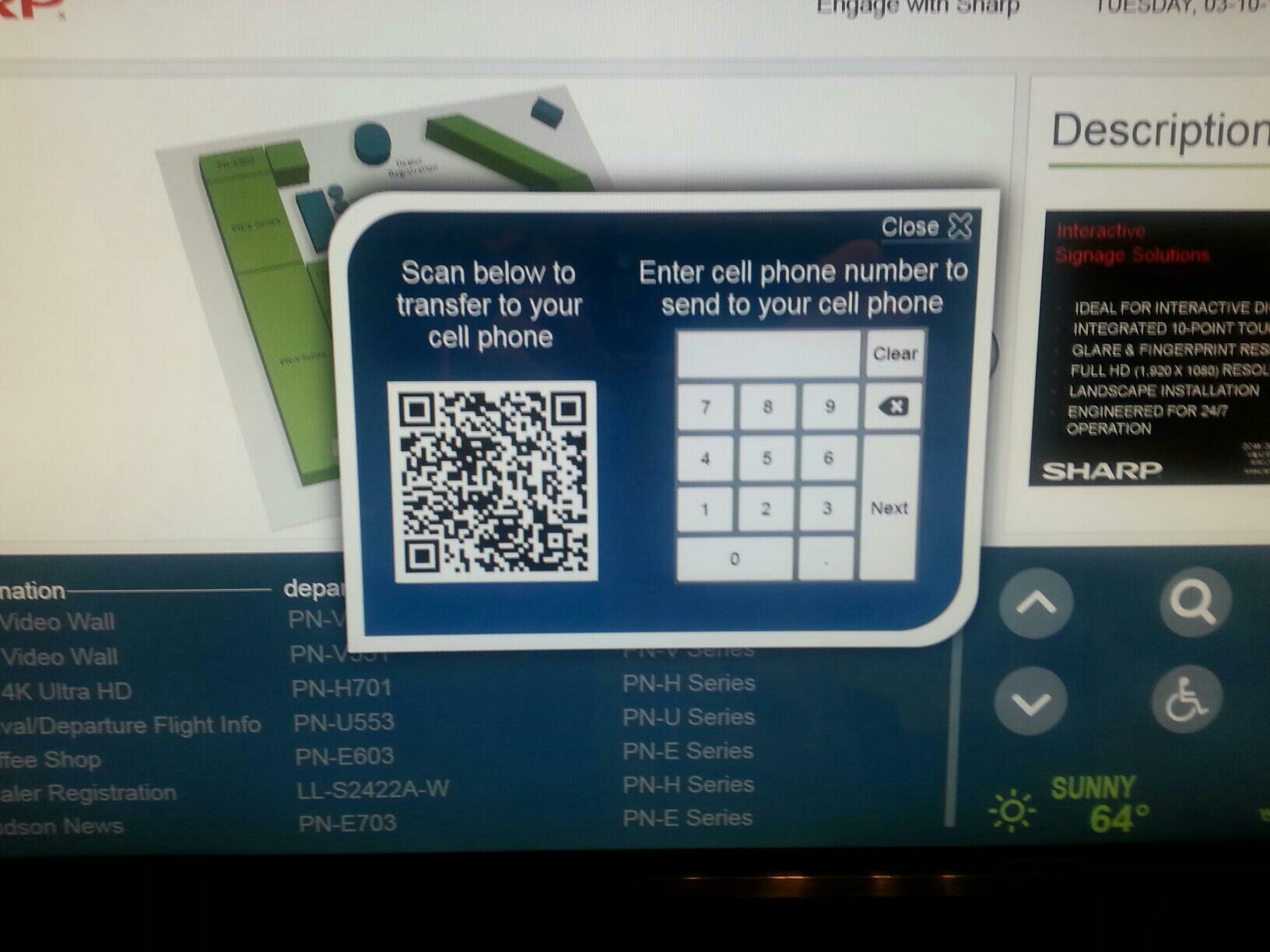
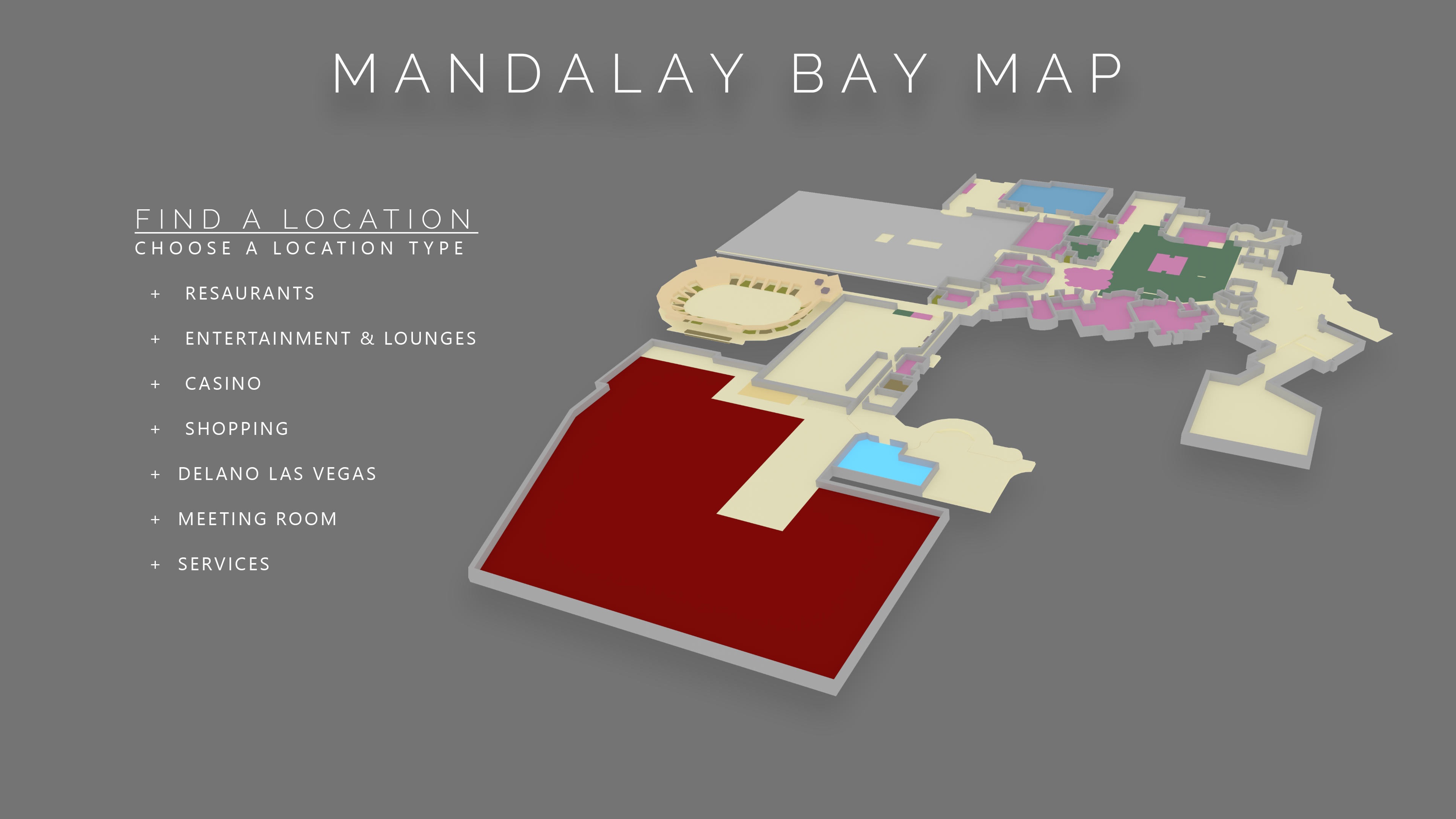
At the kiosk, a user touches the mobile button. The screen in the image below appears, and the user enters their phone number, and area. After submitting, the kiosk sends a text with a web link to the user's phone. After following the web link, the user is redirected to the mobile site on their phone. Directions for the specific requested route appear, the user can also access maps and the full site. 







You may also like